
Digital Safety on the Road: Protecting Personal Data While Traveling
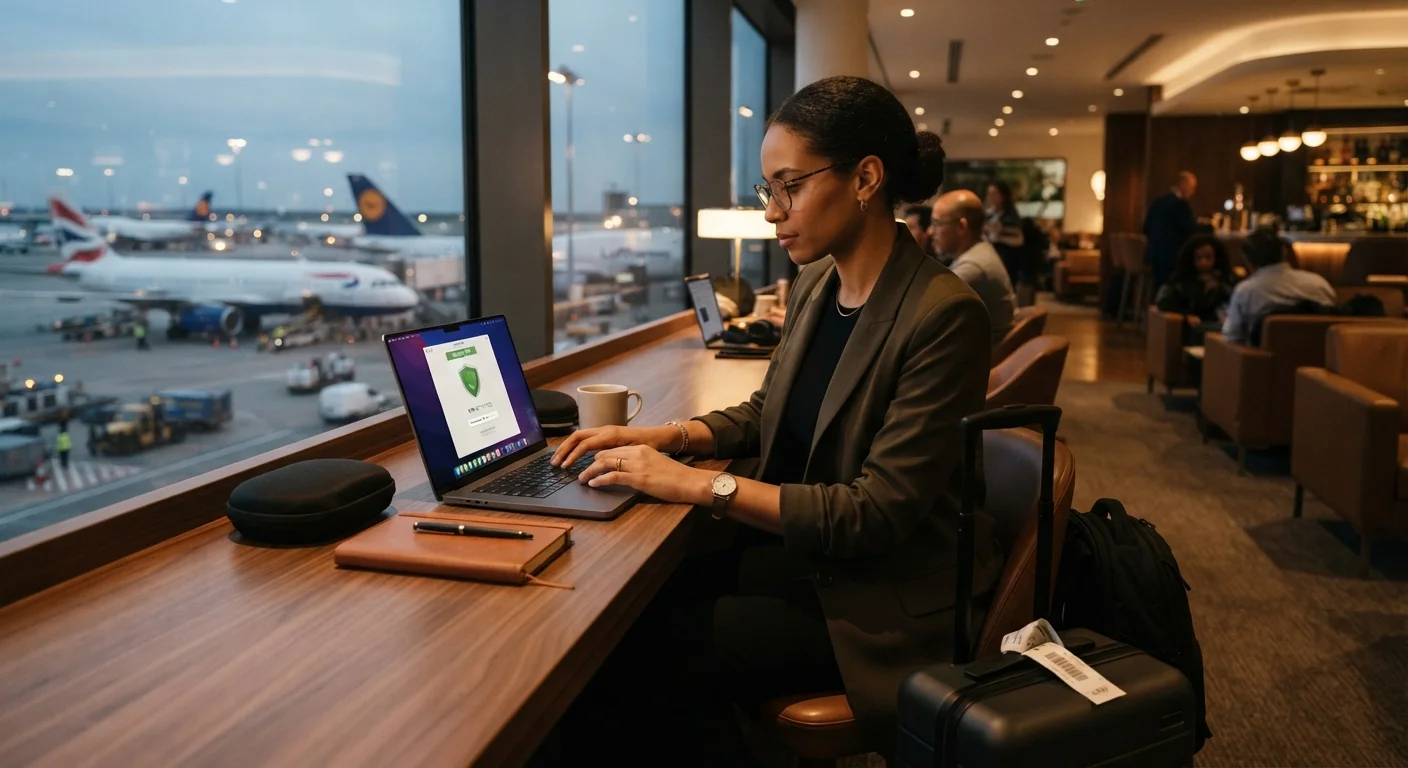
Photo credit: QuickInsights.net
In this article
Public Wi-Fi, device theft, and phishing risks multiply when you travel. These practices help keep your accounts and data protected across borders.
Key Takeaways
- Public Wi-Fi at airports, hotels, and cafes is a common entry point for data theft.
- Enabling two-factor authentication before you leave is one of the most effective protections.
- Device encryption and strong screen locks reduce risk if hardware is lost or stolen.
- A VPN can help protect data in transit, though it is not a complete security solution.
- Phishing attempts increase in unfamiliar environments - verify before clicking any link.
- Backing up data before departure limits damage from device loss or theft.
Why Digital Threats Rise When You Travel
Travel disrupts your normal routines - and cybercriminals count on that. When you're juggling itineraries, unfamiliar currencies, and new surroundings, it's easier to connect to an unsecured network without thinking twice or tap a link from what looks like your hotel's confirmation email. The combination of distraction, unfamiliar infrastructure, and frequent use of public Wi-Fi creates a meaningful spike in digital vulnerability.
Physical and digital safety often overlap on the road. A stolen phone isn't just an expensive inconvenience - it can mean exposed banking apps, saved passwords, and access to your email. For a grounding look at how physical and digital risks intersect, see our guide to keeping money and documents safe while traveling.
This checklist is organized by phase: what to do before you leave home, what to practice during your trip, and how to secure your accounts once you return. Work through it at your own pace - most steps take only a few minutes and pay dividends across every trip you take.
Authenticator App
Generates time-based one-time codes for two-factor authentication, more secure than SMS-based codes.
VPN (Virtual Private Network)
Encrypts your internet traffic on public networks, reducing the risk of data interception.
USB Data Blocker
Allows device charging from public USB ports while blocking data transfer to prevent 'juice jacking.'
Privacy Screen Protector
Limits the viewing angle of your screen to reduce shoulder-surfing in crowded public spaces.
Encrypted Cloud Backup
Stores a secure copy of your data so it can be recovered if a device is lost or stolen.
Remote Wipe Tool
Built into most smartphones and laptops; lets you erase a device's data remotely if it's stolen.
Before You Leave: Preparation Steps
Pre-trip preparation is your highest-leverage window. Many of the protections below cannot be set up quickly in a hotel lobby - they require access to your accounts from a trusted device and network. Build this into your packing routine the same way you'd charge your devices or confirm your passport is valid.
Before You Leave
On the Road
After You Return
Public Wi-Fi Is Not Secure by Default
Even password-protected public networks in hotels, cafes, and airports can be monitored by other users on the same network. Never access banking, medical, or other sensitive accounts on public Wi-Fi without a VPN - and even then, weigh whether the action can wait until you're on a trusted connection. When in doubt, use your cellular data plan instead.
Scams are more likely to succeed when you're new to an environment. Our guide on common travel scams and why they work explains the social engineering behind digital and in-person fraud - understanding the patterns helps you spot them before they succeed.
During Your Trip: Daily Habits That Protect Your Data
Even with strong pre-departure preparation, your daily choices on the road determine how exposed you remain. The goal isn't paranoia - it's a small set of consistent habits that become second nature.
If your device is stolen or goes missing, file a report with local authorities and contact your bank immediately. Solo travelers in particular should consider who has access to their emergency contacts and account recovery options. Our article on solo travel safety habits covers how to set up reliable check-ins and backup plans before you need them.
First-time travelers may want to pair this checklist with our broader foundational travel safety guide, which places digital security in context alongside physical safety and situational awareness.
After You Return: Closing the Loop
Security doesn't end when you land. Some account compromises aren't discovered immediately - a credential obtained from a hotel Wi-Fi network might not be used for days or weeks. A brief post-trip audit takes less than 20 minutes and can catch problems before they escalate.
Many travelers are surprised to learn how much data their devices stored during a trip - location histories, network credentials, and cached login tokens can persist long after you're home. Clearing these routinely keeps your digital footprint smaller and reduces residual risk.
For a fuller picture of assumptions that can leave travelers underprepared - including digital ones - see travel safety myths that give a false sense of security.

Author
Travel Editorial Team
Travel Editorial Team is the collective byline for our editorial team and contributor network. Articles published under this byline or an editorial pen name are researched, written, and reviewed according to our editorial standards for clarity, consistency, and independence before publication.
View all articles →